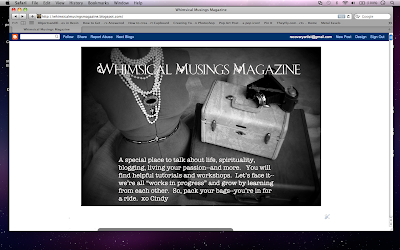
For purposes of this tutorial, I am using a pic of my blog. Just go to your blog. Up on the top right, click "Design."
You will be taken to your TEMPLATE page. (As pictured above.) On the left sidebar, it says LAYOUT. Click it.
Next, you will see the LAYOUT page. Near the top, you will see a gadget that has the name of your blog on it. Click "Edit."
A drop-down menu will appear where you can insert a picture. It will say CONFIGURE HEADER at the top of it. You can upload a picture from your desktop. However, if your blog header
has writing on it, simply click the circle that says "Instead of Title and Description." The reason is that you do not want to see the name of your blog appearing twice.
Click "apply to blog" and you're done. Easy, peasy!
XO
Cindy


